
Best laptop for DJing: 2027
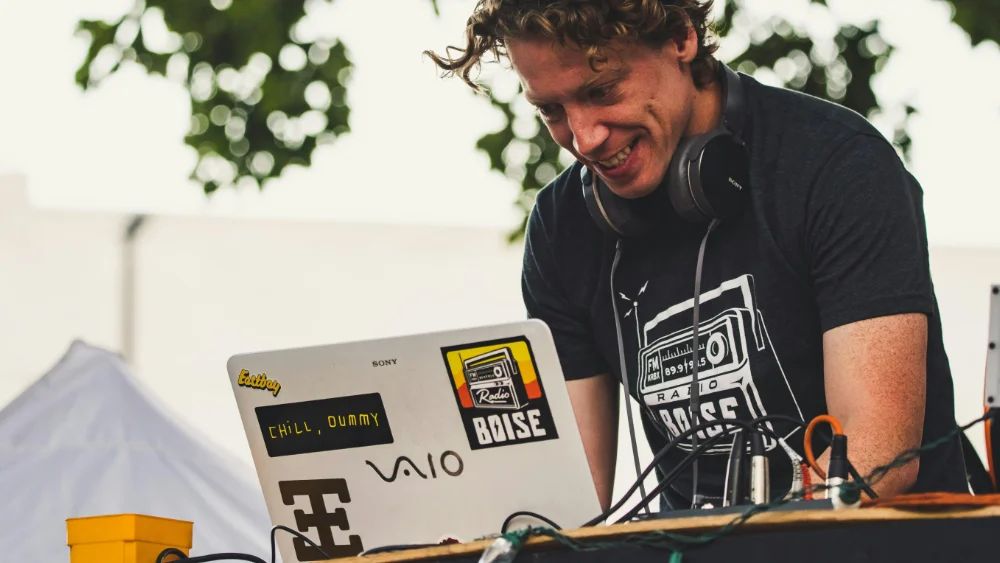
I’ve been DJing for the biggest part of my life, but I’m also a software engineer by trade and for the last 20-some years I regularly fill in at the local computer store when they have staff shortages.
I sell and repair laptops for customers, so I’m up-to-date when comes to the ins and outs of new laptops and the repairs behind the scenes.
In many articles on the topic I miss the specifics as to why THESE specific laptops they recommend.
My recommendations on this page are based on the advice I gave in my DJ laptop buying guide.
The links to product pages are affiliate links.
As an Amazon Associate, I earn from qualifying purchases.
Difference producer & DJ laptops
Music producers and DJs need vastly different laptops, because the software is different.
If you are not sure about the difference, check out my article on the difference between DJ and producer.
A music producer needs a faster computer than a DJ.
All music producer laptops can cope with DJ software, but not all DJ laptops with Music Production software, because they might be too slow.
Looking for producer laptops?
Check my article on best laptops for music production.
Best DJ laptop – $500+
I have assembled a list of laptops that were inspired by my recommended specs from by DJ laptop buying guide.
The specs of the laptops below are recommended for the most popular DJ software: Rekordbox, Serato, Virtual DJ and Traktor.
The links to webshops are affiliate links.
#1 Lenovo – V15 G4 ABP
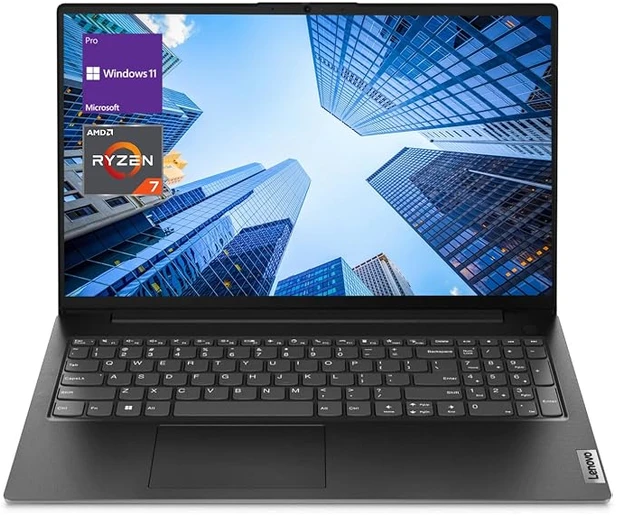
A technically speaking a business laptop, but will suffice for us DJs.
Only downside I can see: it has no backlit keyboard.
| Brand | Lenovo |
| Model | V15 G4 ABP |
| Screen size | 15.6″ |
| Screen resolution | 1920×1080 |
| Storage | 512GB SSD |
| CPU model | Ryzen 7 5825U |
| RAM | 16 GB |
| OS | Windows 11 Pro |
| Graphics card | integrated, Radeon |
| USB | 1 x USB 3.2 Type-C, 1 x USB 3.2 Type-A, 1 x USB 2.0 Type-A |
| Backlit keyboard | no |
| Cooling | active |
| Rating | depends on specific device (see notes on Lenovo) |
| Price (affiliate link) | Check on Amazon |
#2 Acer – AG15-42P-R9FW
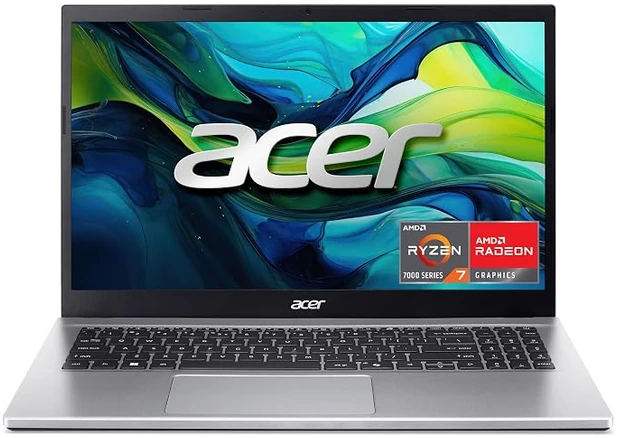
Great laptop with a powerful Ryzen 7 processor with 16GB of Ram and backlit keyboard.
| Brand | Acer Aspire Go 15 |
| Model | S533EA-DH51-WH |
| Screen size | 15.6″ |
| Screen resolution | 1920×1080 |
| Storage | 512 GB SSD |
| CPU model | Ryzen 7 7730U |
| RAM | 16 GB |
| OS | Windows 11 Home |
| Graphics card | integrated, Radeon |
| USB | 2x USB-A 3 and USB-C port |
| Backlit keyboard | ✔️ |
| Cooling | Active |
| Rating | ⭐⭐⭐⭐⭐ |
| Price (affiliate link) | Check on Amazon |
#3 Dell – D15260
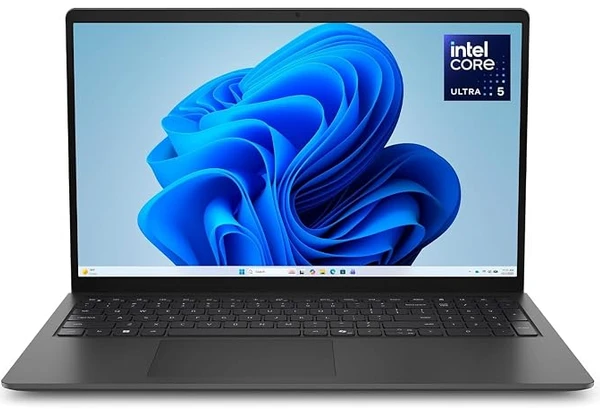
A great laptop with a backlit keyboard for dark clubs, Intel Core 5 processor and 16GB RAM
| Brand | HP |
| Model | D15260 Laptop |
| Screen size | 15.6″ |
| Screen resolution | 1920×1080 |
| Storage | 512GB SSD |
| CPU model | Intel Core Ultra 5 225U |
| RAM | 16 GB |
| OS | Windows 11 Home |
| Graphics card | onboard, intel |
| USB | 2x USB-A 3.2,1x USB-C port 3.2 gen1 |
| Backlit keyboard | ✔️ |
| Cooling | active |
| Rating | ⭐⭐⭐⭐⭐ |
| Price (affiliate link) | Check on Amazon |
Best DJ laptop on a budget – under $500
Laptops under $500 means that you have to make some compromises, either in processor, memory or storage.
#1 HP – TPN-Q222

A lot of bang for your buck.
Plenty of storage for your whole music library and then some.
Also with 32GB you’ll have plenty of memory for the future.
The things that I’m less enthousiastic about is the processor: i3 11th gen.
But also the resolution of the monitor.
This will suffice for DJing with Virtual DJ, but you will run into trouble with Serato and Rekordbox,
It’s also not suited for video or for heavy apps like video editing and music production.
| Brand | HP |
| Model | TPN-Q222 |
| Screen size | 15.6″ |
| Screen resolution | 1366×768 |
| Storage | 1TB SSD |
| CPU model | i3 11th gen, 3 Ghz, 2 cores |
| RAM | 32 GB |
| OS | Windows 11 Home |
| Graphics card | integrated, Intel UHD |
| USB | |
| Backlit keyboard | ❌ |
| Cooling | |
| Rating | ⭐⭐⭐⭐⭐ |
| Price (affiliate link) | Check on Amazon |
#2 Asus – F512JA-AS34

Great laptop with a 15″ monitor for well under $400.
Asus has often great products.
Backlit keyboard, so you can see what you are doing.
It even has a fingerprint reader.
The laptop has Windows 10 (not 11) in S-mode.
In order to install your DJ app, you have to disable S-Mode.
I would recommend an upgrade to Windows 11.
Also 8 GB of RAM might be a bit on the low side for Rekordbox and Serato.
| Brand | Asus (vivobook 15) |
| Model | F512JA-AS34 |
| Screen size | 15.6″ |
| Screen resolution | 1920×1080 |
| Storage | 128 GB SSD |
| CPU model | i3 10th gen, 3.4 Ghz |
| RAM | 8 GB |
| OS | Windows 10 S |
| Graphics card | integrated, Intel Xe |
| USB | USB A + USB C |
| Backlit keyboard | ✔️ |
| Cooling | |
| Rating | ⭐⭐⭐ |
| Price (affiliate link) | Check on Amazon |
#3 HP – 15-fd0012nr

Good laptop for well under $500.
It has Windows 11 Home and a comfortable 500 GB of SSD storage for all your music.
The only minor is issue I see is the RAM.
If you want to use the heavier software like Rekordbox or Serato, I would look at models that have 16GB or RAM.
HP is generally a reliable brand compared to others, so it will be with for a couple of years.
| Brand | HP |
| Model | 15-fd0012nr |
| Screen size | 15.6″ |
| Screen resolution | 1920×1080 |
| Storage | 512 GB SSD |
| CPU model | i3 13th gen, 4.6 Ghz |
| RAM | 8 GB 3200 Mhz |
| OS | Windows 11 Home |
| Graphics card | integrated, Intel Xe |
| USB | 1x USB3 + 2x USB2 |
| Backlit keyboard | ❌ |
| Cooling | |
| Rating | ⭐⭐⭐⭐ |
| Price | Check on Amazon (affiliate link) |
Macs for DJing
If you are looking for a Mac for DJing, read my article on the best Macbook for DJing.
Best laptop for Rekordbox
From my extensive DJ software comparison I found that Rekordbox is pretty heavy on system resources.
It can be laggy, sluggish and sometimes unresponsive.
When you only use Rekordbox for preparing and have some patience, almost every mid-level of the last 5 years will suffice.
But if you use Rekordbox for performing, you need a pretty heavy computer.
The computer with which I tested Rekordbox is a pretty heavy music production and video editing beast, which far exceeds the recommend system specs.
DJ software is generally pretty easy on a computer, but with Rekordbox (no other DJ software) I experience audio frame drops, which result in crackles in the audio.
To combat the sluggishness you need a fast CPU and a lot of memory to make up for the lack of performance.
Official Rekordbox system requirements
| OS | Windows, Mac |
| CPU | Intel Core 5, 7, 9 Ryzen 5,7, 9 Apple M |
| Memory | 4GB RAM 8GB RAM (video) |
| Storage | Hard disk/ SSD (recommended) |
| Monitor | 1920×1080 resolution |
My Rekordbox recommendation
| OS | Windows, Mac |
| CPU | Intel Core 7, 9 Ryzen 7, 9 Apple M |
| Memory | 16GB RAM |
| Storage | SSD |
| Monitor | 1920×1080 resolution |
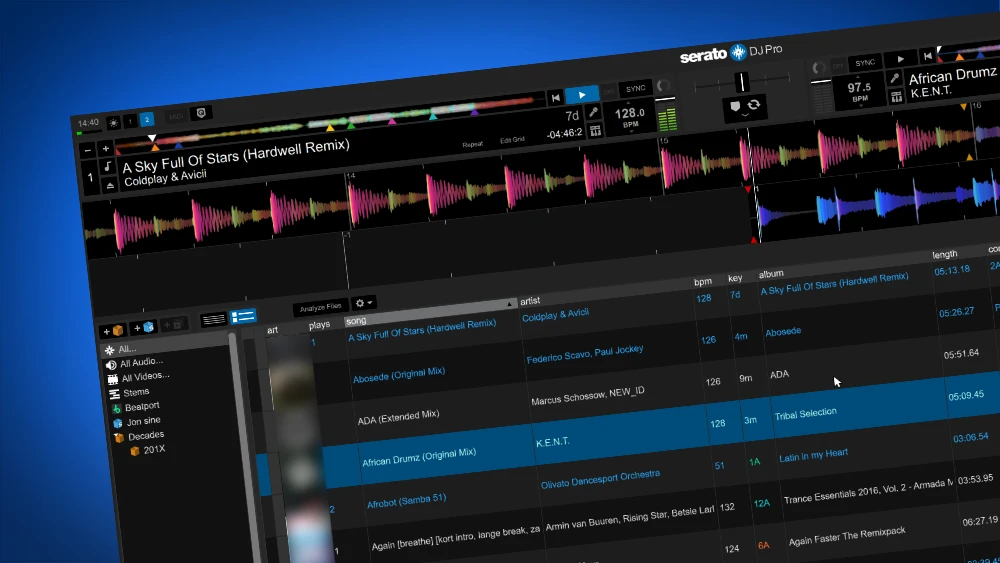
Best laptop for Serato
From my extensive DJ software comparison I found that both Rekordbox and Serato are pretty heavy on system resources.
Although Rekordbox is sluggish, Serato seems to be much more performant.
But it takes up much more system resources in idle state.
When Serato says it needs
Official Serato system requirements
| OS | Windows, Mac |
| CPU | Intel Core 5, 7, 9 (6th gen or more, 8th gen preferred) Ryzen 5 3000 or better Apple M1 or higher |
| Memory | 8GB RAM, 16GB preferred |
| Storage | 15GB Hard disk/ SSD (recommended) |
| GPU | 2GB |
| Monitor | 1280×720 |
| Misc | Internet connection |
My Serato recommendation
| OS | Windows, Mac |
| CPU | Intel Core 7, 9 (8th gen at least) Ryzen 7 Apple M1 or higher |
| Memory | 16GB |
| Storage | 15GB SSD |
| GPU | 2GB |
| Monitor | 1920×1080 |
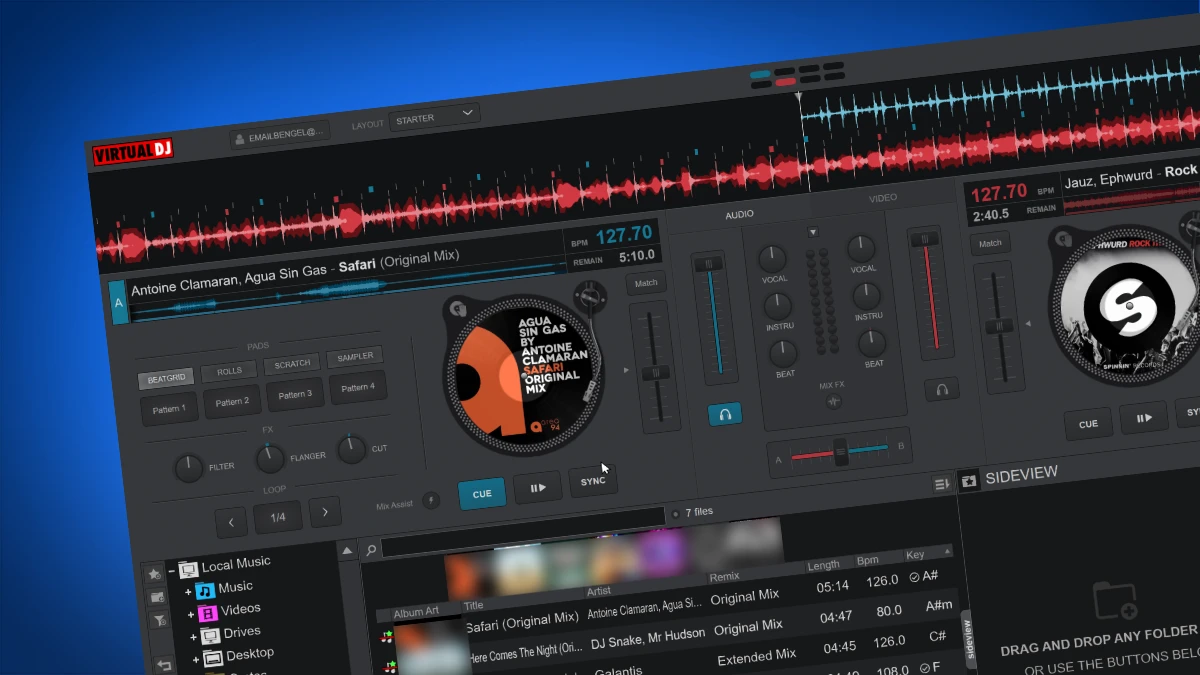
Best laptop for Virtual DJ
From my DJ software comparison I found that Virtual DJ is the software that is the easiest on your laptop of all DJ software.
There is no software on the market that is so fast and responsive as Virtual DJ.
Pretty all mid-tier laptops of the 5 years will suffice.
The only thing that Virtual DJ needs more system resources for is auto stem separation (it isn’t very good, so I wouldn’t use it), video and audio visualisation.
Official Virtual DJ system requirements
| OS | Windows, Mac |
| CPU | Intel Core i5, i7, i9 Ryzen 7, 9 Apple M |
| GPU | AMD or NVidia (for video) |
| Memory | 8GB RAM or more |
| Storage | 1GB Hard disk/ SSD (recommended) |
| Monitor | 1920×1080 resolution |
My Virtual DJ recommendation
I agree with their minimum system requirements.
For video, stems and visualisation I would recommend:
| OS | Windows, Mac |
| CPU | Intel Core i7, i9 Ryzen 7, 9 Apple M |
| GPU | AMD or NVidia (for video) |
| Memory | 16GB RAM or more |
| Storage | SSD |
| Monitor | 1920×1080 resolution |
Video
Related guides
- How much RAM you need for DJing + performance tests
- Best Processor for DJing + performance tests
- DJ laptop buying guide – on the bottom is a DJ software performance comparison table
- Best DJ software (voted by DJs)
- Optimize your computer for DJing